
know what you’re thinking: I already have a website with my brand online… So why does it feel like I’m hearing crickets?
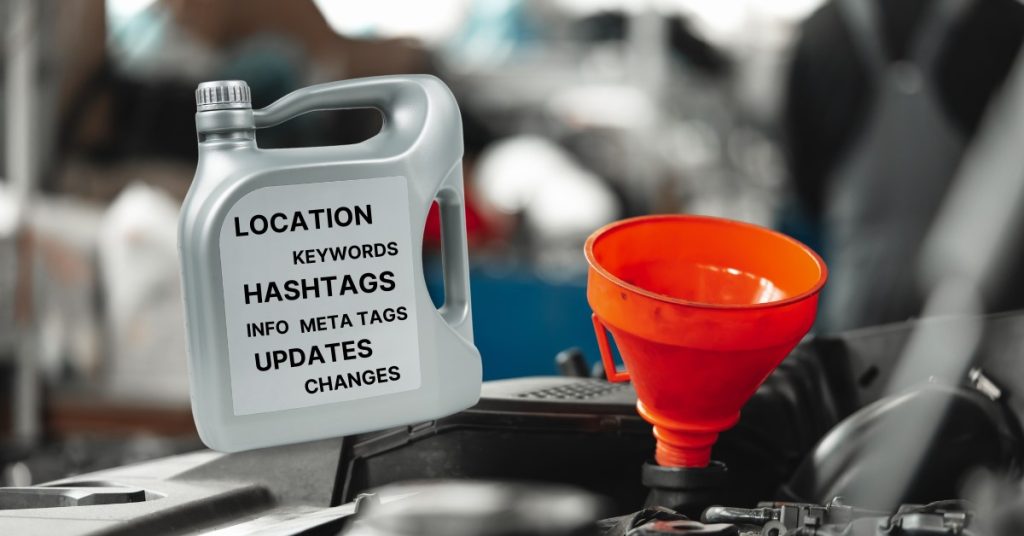
Remember how to maintain your car, right! Every once in a while, you need to add the necessary oil changes, or those annoying small fixes that show up, more if ever a warning light comes up. That is maintenance! You need to provide your car with the right maintenance in order to drive smoothly and last few more years, correct!
A website is basically the same. It simply doesn’t work on autopilot, and on its own, and expects to do all the job for you without lifting a finger. A website represents your professionalism, it hangs a sign that says “This is a serious business”, and whatever service your clients will get is guaranteed or done by actual pros in the field. Having your site online has replaced the old paper business card we used to print, the only difference is that people can still look at all the offers and info you’d like to provide, through their fingertips. Who doesn’t have an internet connection, or a smartphone these days?
Think of it this way, a website is like a digital business card but way better. As a business you can list all your services, and your clientele can check all this info in just one click (address, locations, phone, email, services, blogs, offers, etc) and more, way more, only if you desire.
Today, the internet is filled with every business information, and it is super hard to become visible for your prospect clients to find you. Yes, you can do lots of things such as SEO, Facebook or Google Marketing, Advertising, etc. If you have enough budget for it, do it, but always remember, sometimes these methods can be a waste if no nothing was closed. You can increase traffic for sure, but at the end of the day sales is what keeps us running, and what is the point of traffic if there is no sales, right? Even though having more traffic can increase these chances, there are no guarantees!
Anyway, I did not want to go out of the main subject which was how to maintain your own website. You have a professional website, right?
The Importance of Regular Maintenance
Keeping your website secure isn’t just about peace of mind — it’s about protecting your data and your visitors from potential cyber threats. Plus, regular updates and optimizations can work wonders for your user experience (UX explains it below), like faster load times and smooth functionality that keep your visitors happy and engaged. And let’s not forget SEO. When we think of SEO we think of a service we must pay… NO, fresh content and a smooth, well-performing site are what you need for climbing those search engine rankings, but have this clear. It takes time and consistency for Google to crawl these pages properly, but you can do it.
Your website’s user experience (UX)
UX is the method to Mindfully lay down your website’s assets and structure for your visitors to interact and access quickly, and easily. It studies the overall experience a person has when interacting with your site.
Put this way: If I navigate on a website, and I don’t see any important buttons or information (me as prospect client) right there where my eyes can see it, and your site is forcing me to dig in even more to find for what I’m looking for. I’ll be gone, and probably never come back. That’s what UX does on a site.
Good UX design sets a stage of an attractive and harmonic look for the visitors to click, at the important and relevant pages or sections of your business, always Focusing on your clients’ priorities, perspectives, efficiency, enjoyment, and emotions.
Get the idea? If you have words and photos on your site, you can start correcting them and rearrange them, in a more harmonic and sympathetic way than the general stuff. You don’t need a diploma for it, just practice, and remember… Your clients are humans!
Let your clients know what you just did! Be on top of updates
I’m assuming your business has social media channels, right? Well, use them effectively! Keep your followers informed about even the smallest updates to your website, whether it’s a color tweak or a minor detail change. These updates aren’t just about attracting new people; they’re about showing your audience that you’re active, engaged, and continuously improving. It reminds them that you’re on top of things and ready whenever they need to connect with you.
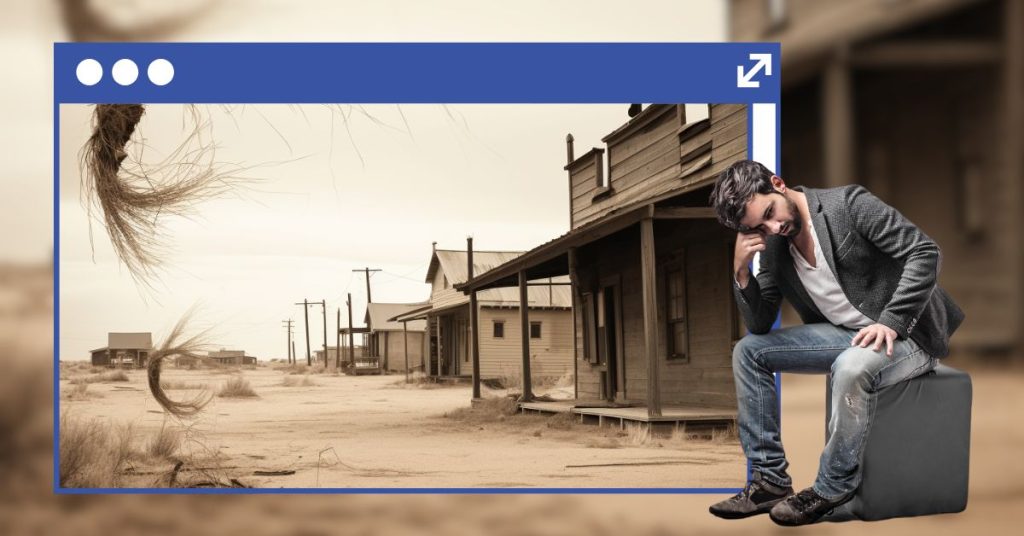
How many sites look like those scenes of cowboy or Western movies, only missing the tumbleweed from side to side, and the whistling wind as if nobody lives there. You get it! Even if you contact the emails, never answer back or simply gets lost in their spam/junk folder.
Security and backups
These days we had to deal with tons of spam calls and emails from sources we had no idea. Your email and data are being shared from those big corporations that one day, trustfully you shared, or simply leaked it from them. We don’t know! Yet!
The point is… it is very important to keep your site security up to date, no matter what platform you are using. Platforms keep updating their services constantly to deal with the new security issues, patches and trends.
Today, the most popular web platforms and hosting offer Security SSL encryption and automotive backups.
WordPress : Highly customizable and leading web platform on the web, and yet best option for blogging. With tons of FREE tools/plugins to add and implement security and backups to your site. WordPress offers good basic security, but you may need to add the right plugins for enhanced protection as well its backups. Some hosting providers offer automatic backups within their plans.
Webflow: It offers strong security in the basic plan, including SSL, 2FA, and DDoS protection. Webflow provides automatic backups with version control, allowing easy restoration of your site on the basic plan.
Shopify: It offers robust security on its basic plan, especially, and recommended for e-commerce with SSL, PCI compliance, and fraud protection (for payment & transactions).
Shopify automatically backs up your store’s data, including product listings, orders, and customer information.
Squarespace: It also includes SSL, regular updates, and 2FA as part of its basic plan, making it a secure option. Squarespace doesn’t offer automatic backups in the basic plan, and manual backups are required for site content.
Wix: It provides strong security in its basic plan, including SSL, DDoS protection, and automatic updates. Wix provides built-in backup functionality, including automatic backups with easy restoration options, even on the basic plan.
A Clear Call-to-Action button
You may ask yourself but what is call to action?, what is it for? When or where should I use it? etc. I hope I can answer at least the majority of these questions.
A Call-To-Action (CTA) is a button or a link directing the user to a desired goal, depending on the business’s goals. What is the primary goal of a business, to make sales right, and if you can put into perspective from a random user point of view, if you… lets say offer a service, you’ll need to talk to a person in order to get some information correct such as price, available time, or simply to get a vibe of the service provider you are talking to. That’s what a call to Action is for, is strategically located on your website, and visible enough for the user to simply click and, depending on your goals, either call you, set an appointment, or simply contact. There are no rules for it, but the importance of it is to simply facilitate the user to reach you as clearly as possible.
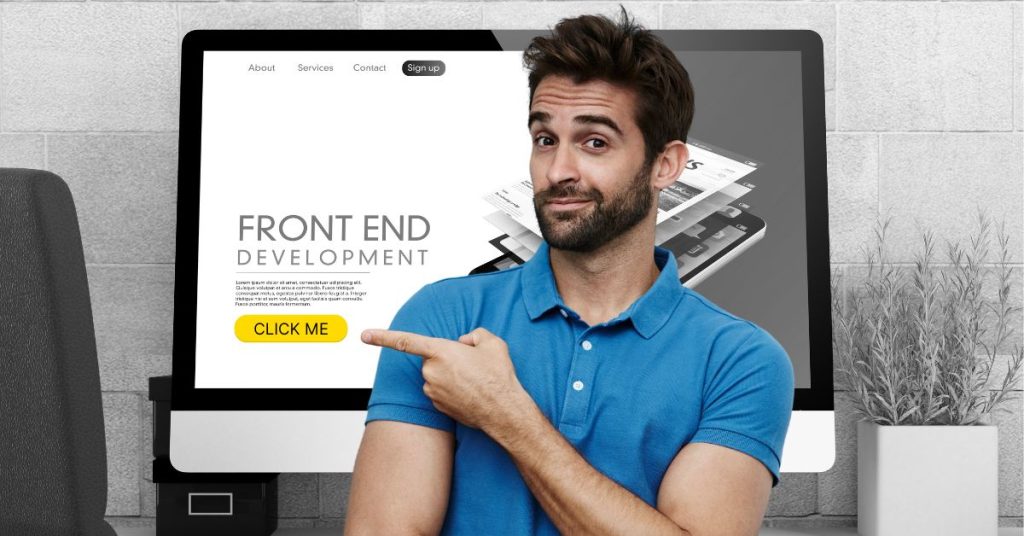
Clear Call-to-Actions (CTAs) are like friendly nudges that guide visitors on your website to do something specific, like “Sign Up,” “Shop Now,” or “Learn More.” They are designed to grab attention and make it super obvious what the next step is. Just like those signs you see on the highway, a good CTA helps your visitors take action without confusion or hesitation, making your website more effective!
Check for Mobile Responsiveness
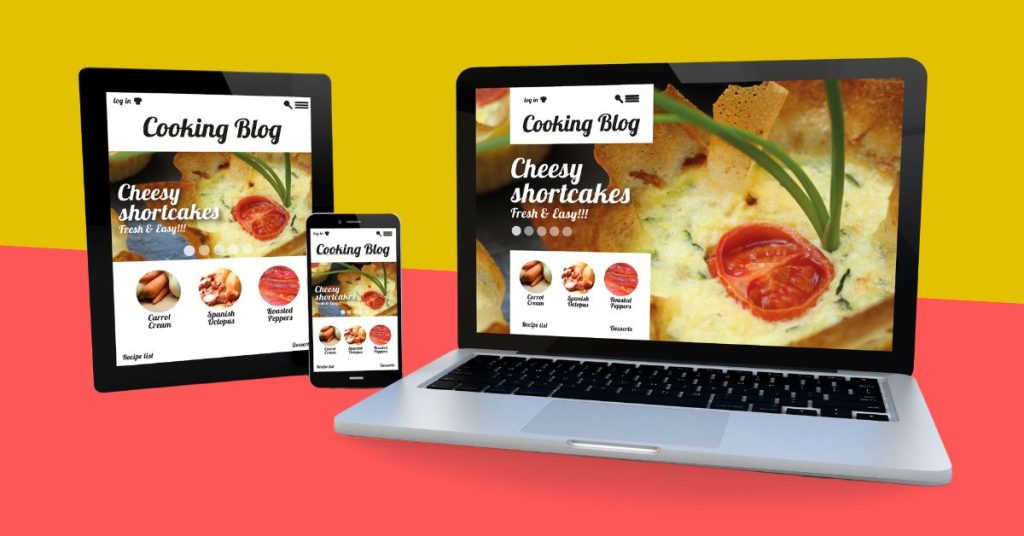
Mobile responsiveness has become extremely important not only for your visitors, your website but for Google. Mobile responsiveness means your website works and looks great on any device, especially smartphones and tablets. Most people browse on their phones these days. If your site isn’t mobile-friendly, visitors might leave because they’re frustrated with tiny text, weird layouts, or slow loading.
A responsive site adjusts automatically to fit different screen sizes, making it easier to read, click and navigate, keeping visitors happy and more likely to stick around.
Most web platforms and themes are designed to be mobile-friendly, meaning they automatically adjust for mobile devices. However, it’s always a good habit to re-check your site on different internet connections, such as your phone’s data or another Wi-Fi network. A slow connection or unexpected loading issue can sometimes affect how your site looks or functions, so Always test if your goal is to offer a smooth experience for all visitors.
Always Improve your SEO Optimization
If you are creating the habit of updating your site, this next step is super important in today’s web world. SEO optimization ensures your site is easily understood by search engines like Google, Bing, and others. Simply by using right keywords, meta tags, and alt text for images. This helps improve visibility and traffic.
Alright, so here’s the deal: in today’s crazy competitive online world, using SEO and keywords is a big deal. Businesses that nail their SEO game are way more likely to get found online.
What it means for you is this: keep your site updated! If you change locations or focus on a specific area, and make sure you mention it on your pages. Use those keywords and add them to your meta tags too. The same goes for your services and be specific and tie them to your location.
Doing these little things consistently helps your site show up better in search results, making it easier for people to find you. Over time, that means more traffic and higher rankings. Easy win, right?
I really hope these basic steps help you to see and improve your own website. Look, don’t stress! I get it… it might seem like a lot, and you don’t have to tackle everything at once. Think of this as a guide to help you see what to review, tweak, or add over time.
Remember, your website is like the face of your business online. It’s how people see and judge you, so having a clear message about what you offer shows you’re not only professional but also on top of your game. It makes your business feel fresh, active, and most importantly, trustworthy. Take it one step at a time — you’ve got this!
